Ground Transportation Passenger Information Display System (PIDS)
The Passenger Information Display System Built for Modern Transit Networks
From railway platforms and metro stations to bus stops and ferry terminals, passenger information displays guide millions of daily commuters to their connections. Transit CX PIDS delivers real-time trip data to every screen across your network—keeping riders informed and operations running smoothly.
Key Benefits
Real-time information
on every platform display
Unified passenger experience
with synchronized communication
Hardware-neutral platform
supports your existing screens


Information at Every Step of the Journey

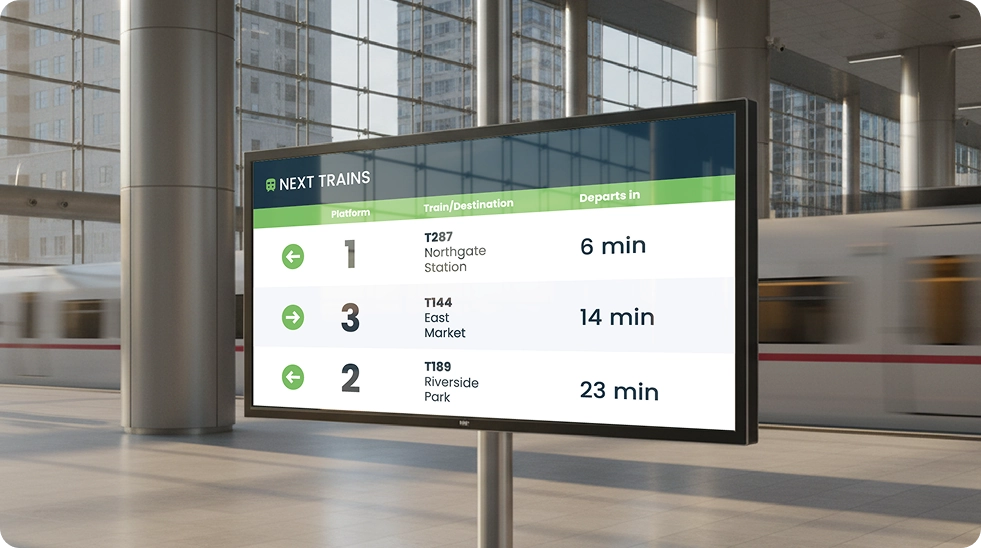
Real-Time Transit Information
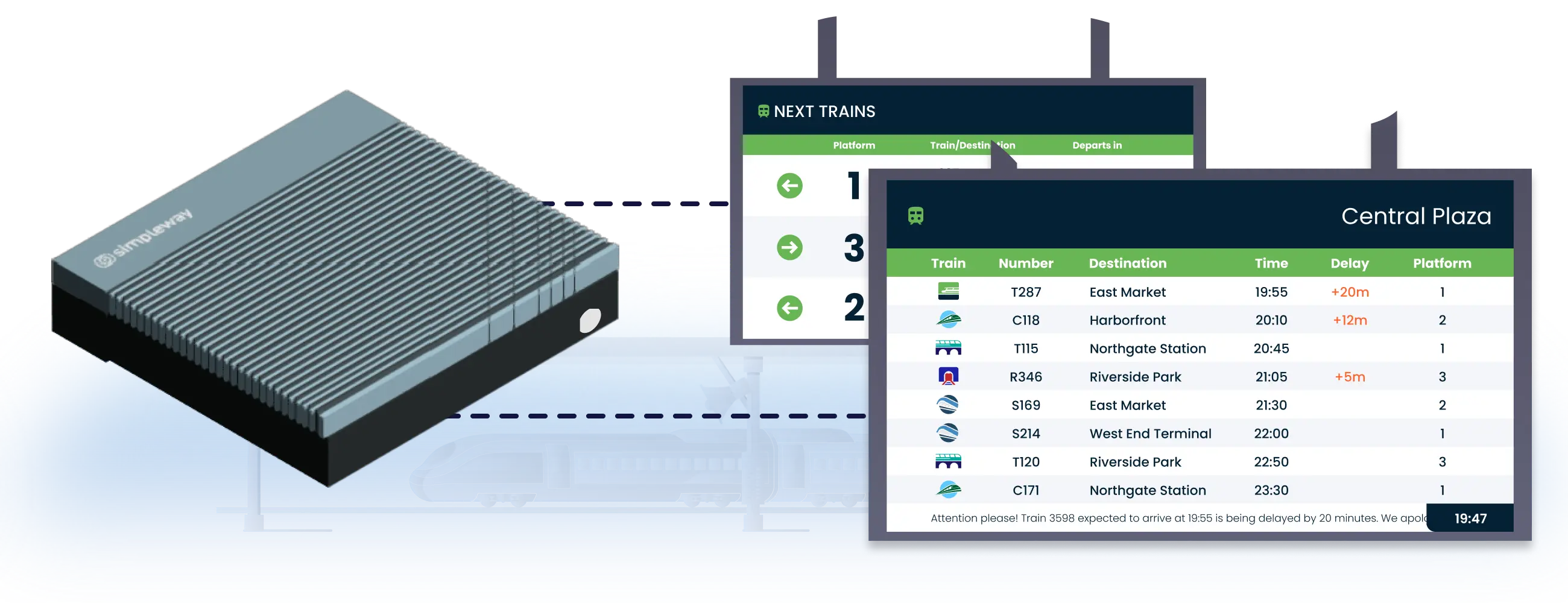
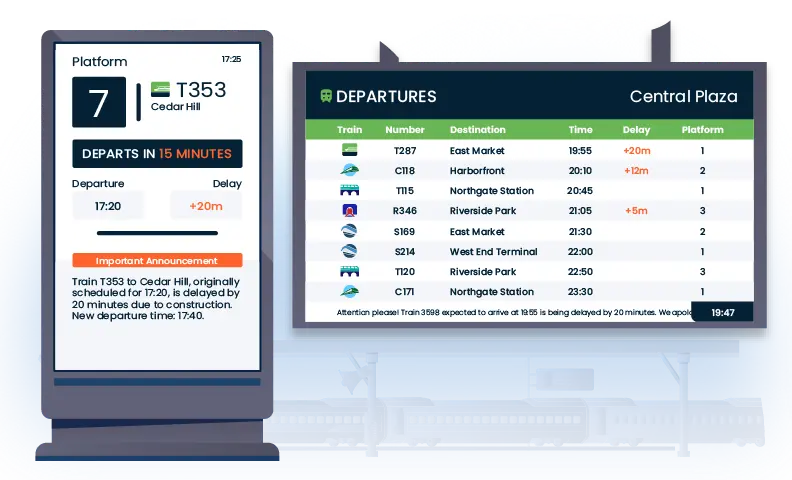
GTFS and GTFS-RT data flows directly to bus stops, platforms, and station displays. Schedules change, screens update. Automatically.
Dynamic Wayfinding & Queue Management
Real-time departures and walking distances guide passengers through busy hubs. Operators control platforms, queues, and flow from touchscreen interfaces.
Next-Stop & Route Visualization
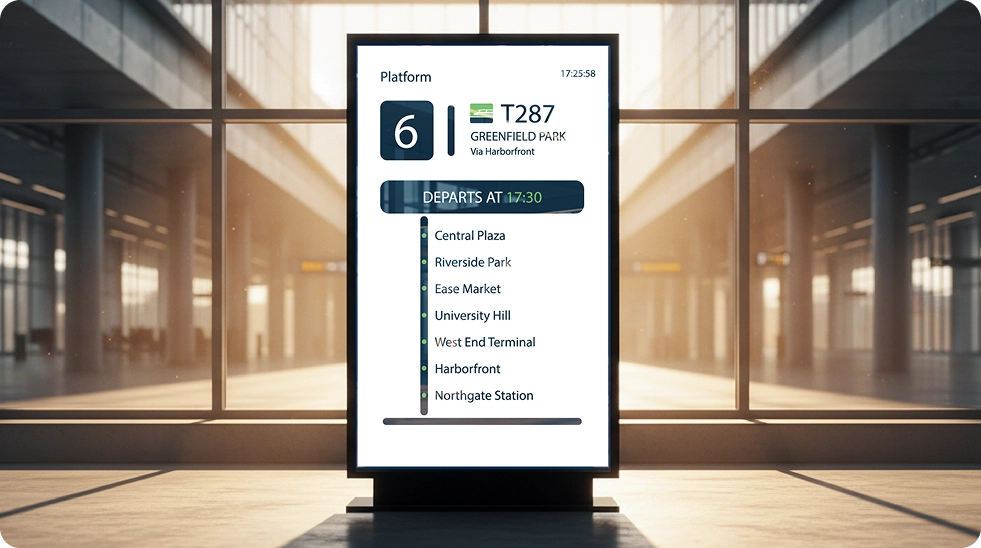
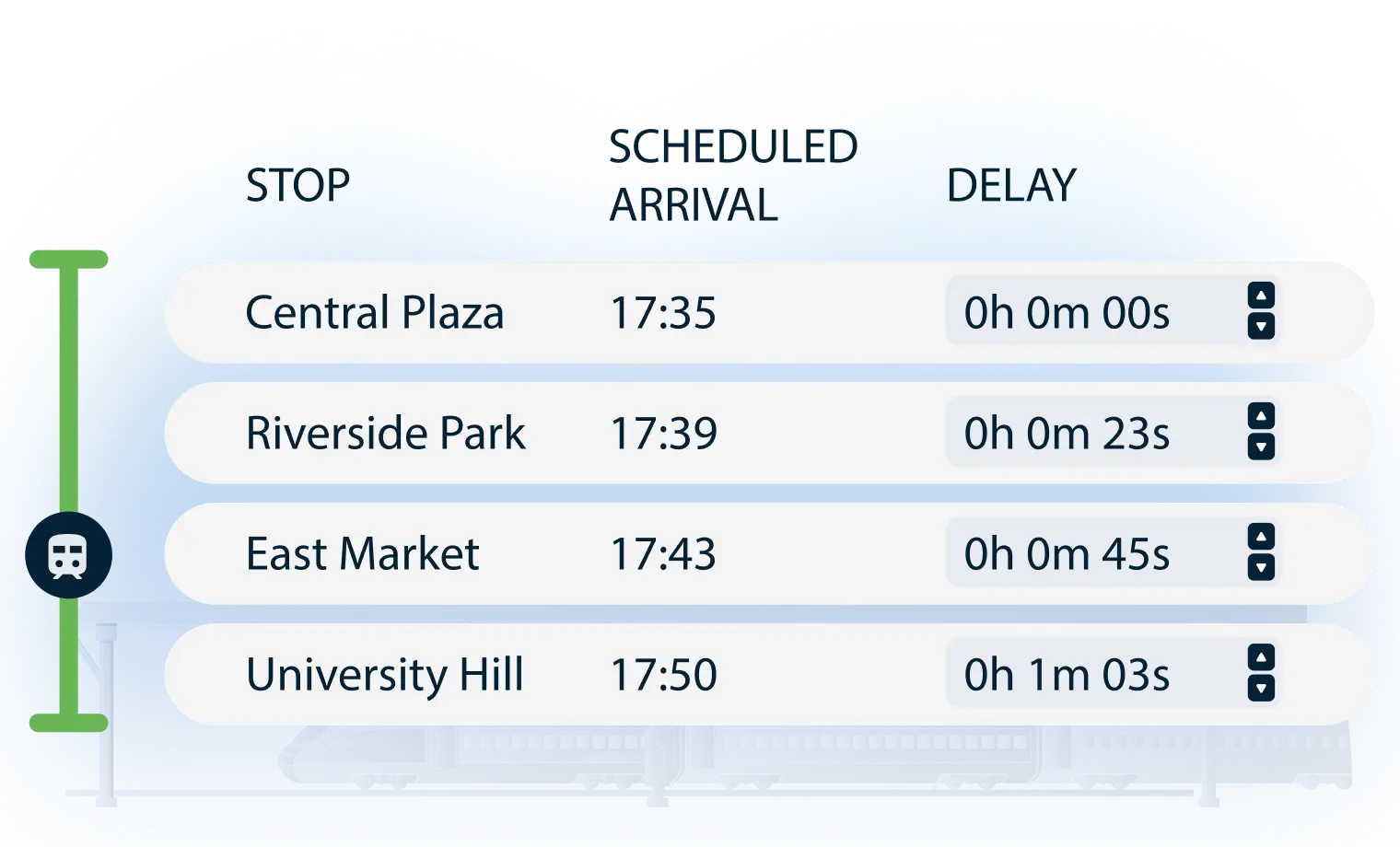
Not every rider goes to the final stop. Show upcoming stations, connections, and arrival times so passengers plan ahead and make transfers.
Ticket Counter & Service Desk Status
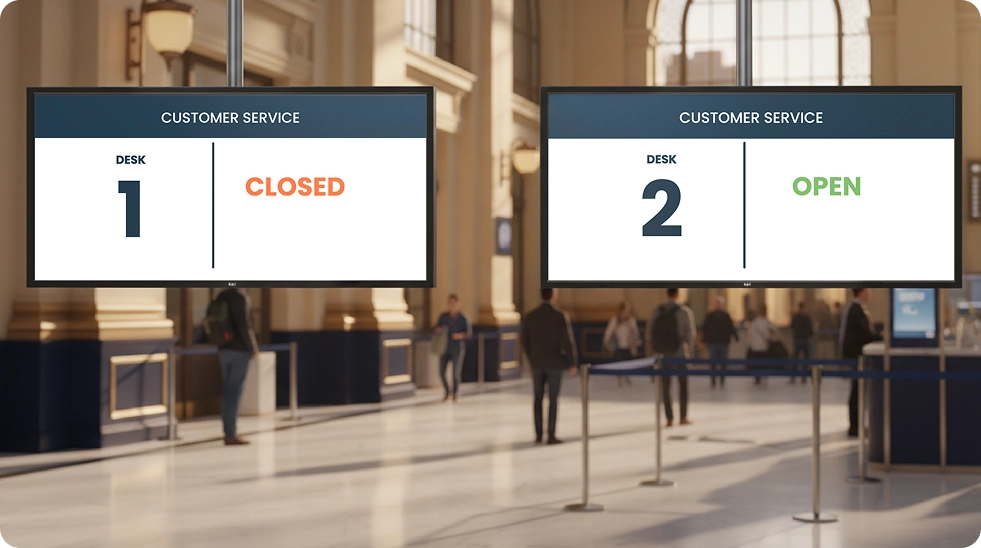
Display counter availability in real-time—open, closed, or serving. Direct passengers to the nearest available service point automatically, reducing confusion during peak hours.
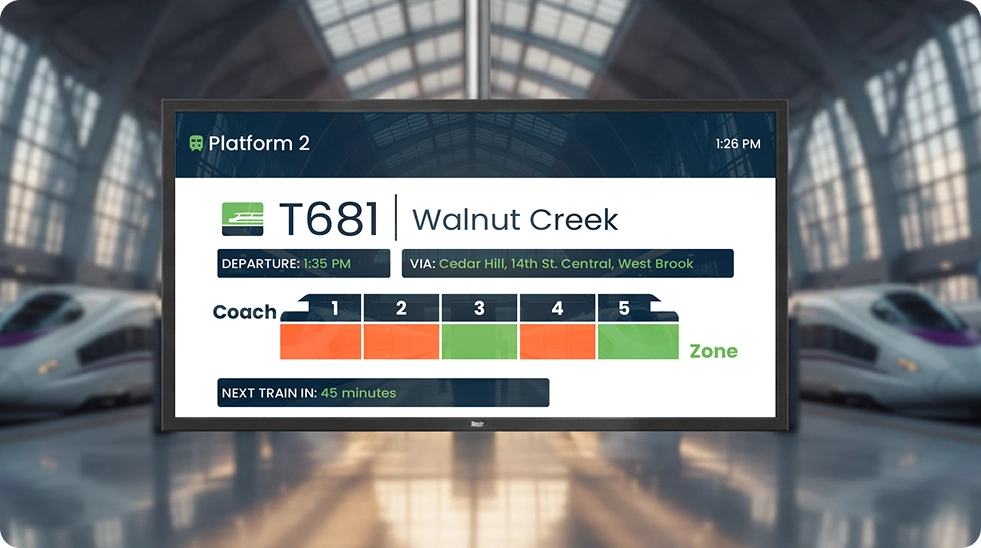
Vehicle Occupancy & Capacity Data
Show real-time vehicle occupancy so riders choose less crowded carriages or wait for the next departure. Essential for busy metro and railway stations.
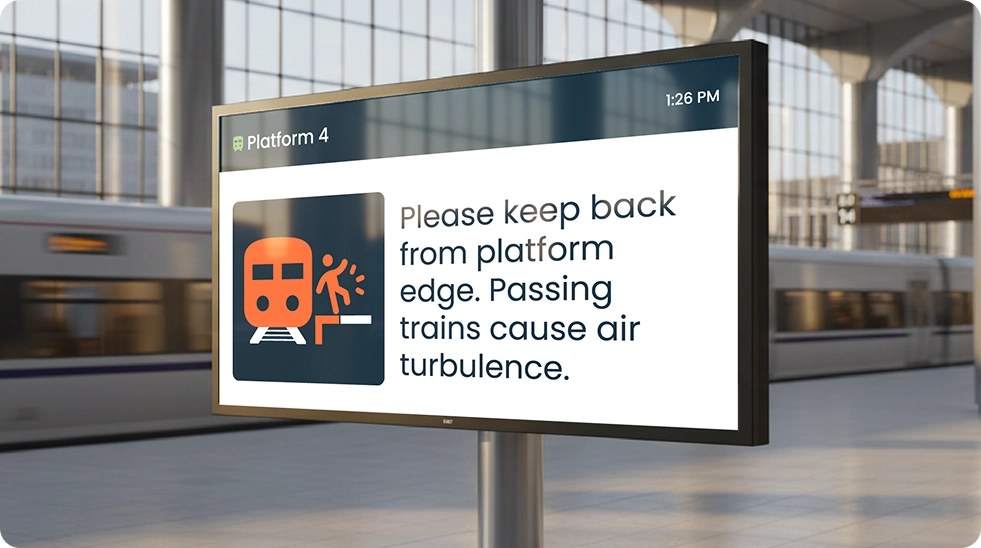
Instructions & Guidelines
Display platform edge warnings, boarding procedures, and safety guidelines. Content triggers automatically based on train approach, departure times, or emergency conditions.
One System, Dual Impact: Unified Transit Communication
Synchronized Audio and Visual
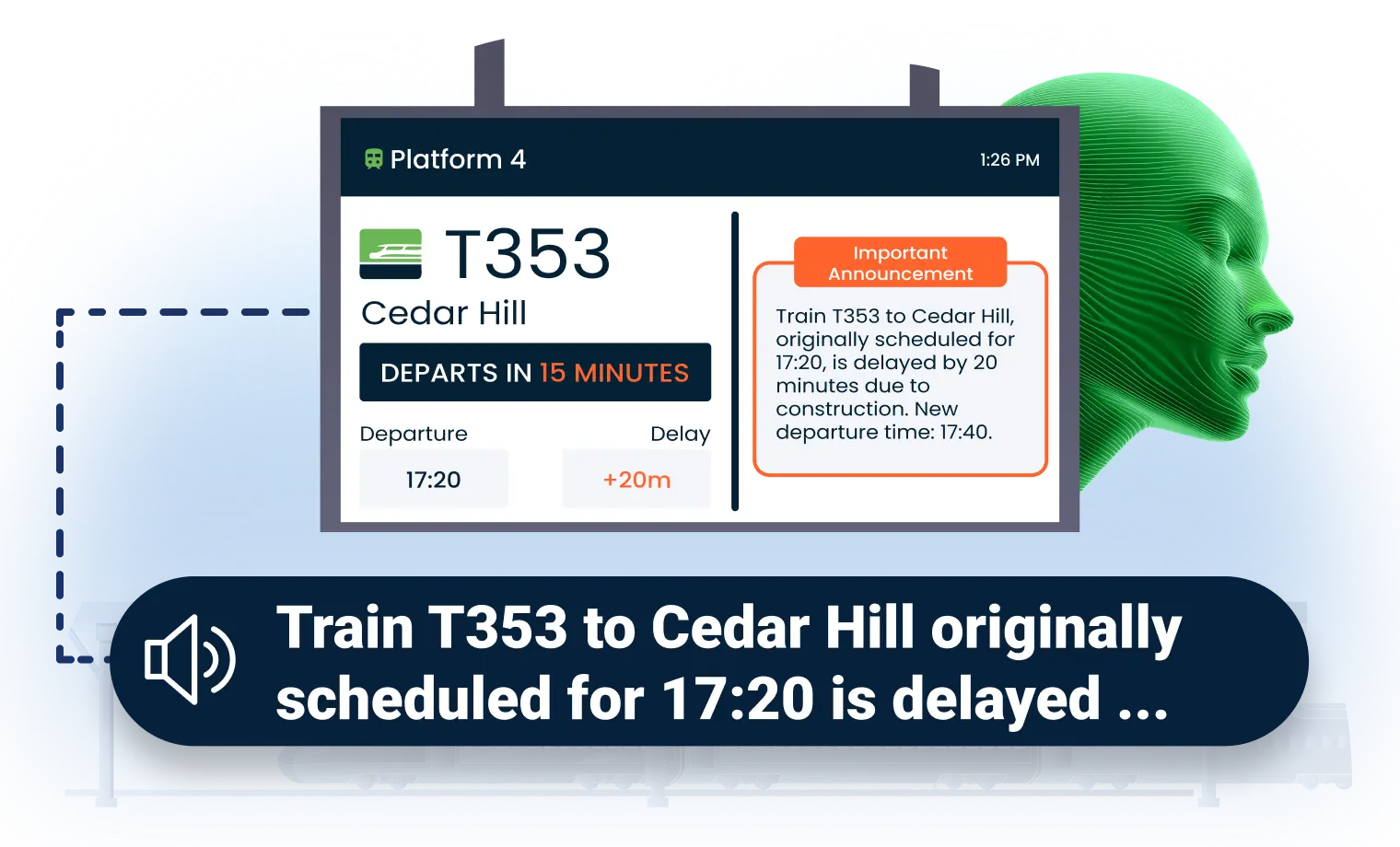
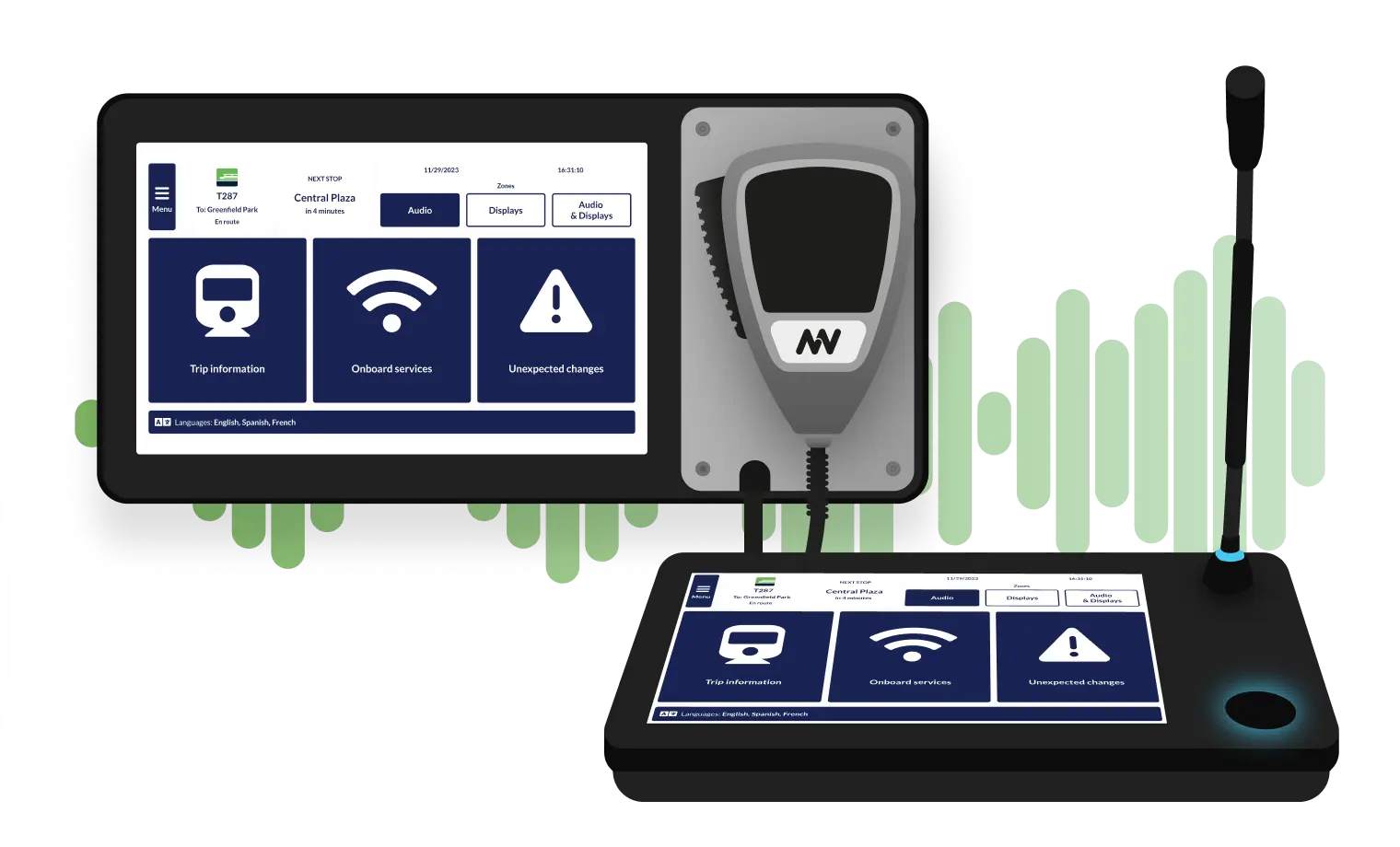
When a delay announcement plays over station speakers, the same information appears on platform displays simultaneously. One update triggers both channels—no duplicate work, no conflicting messages.
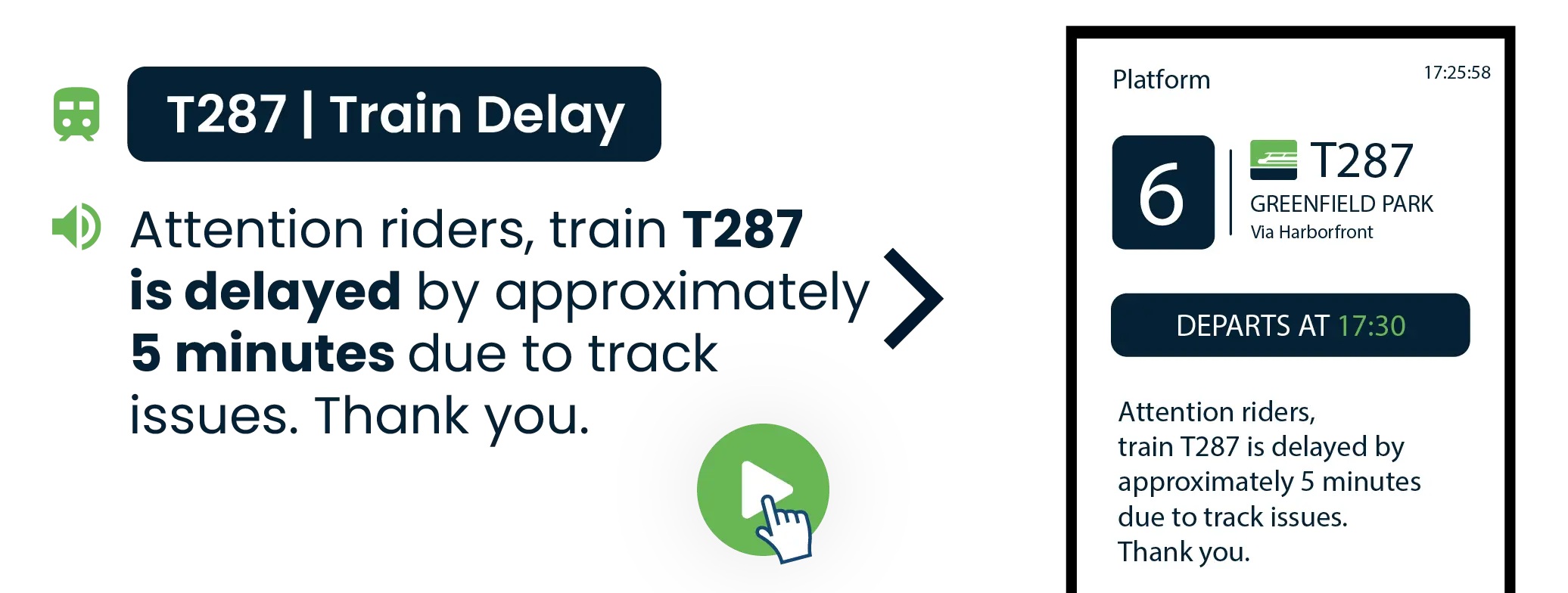
Accessible PIDS for Every Rider
Transit accessibility compliance may require information in multiple formats. Transit CX delivers:
Multilingual displays supporting any alphabet
Visual paging that shows spoken announcements as on-screen text
Sign language integration for stations requiring BSL/ASL support

Turn Station Displays into Revenue Streams
Transit CX advertising tools help offset infrastructure costs by integrating ads into your transportation digital signage. Use screen real estate for targeted campaigns during off-peak hours, or dedicate specific displays to advertising content.
Ads never interrupt critical PIDS information
Proof-of-play reporting for advertiser accountability
Daypart scheduling matches ad content to commuter demographics
Revenue tracking by station, route, or display group
.webp)
Powering a Branded, Unified Transit Experience

Transit CX lets you design professional railway digital signage and bus passenger information displays without graphic design expertise. Create templates tailored to your transit authority's brand, or let our team build custom designs. Content updates automatically based on GTFS schedules—your displays always show current information.

Design Without Limits
Transit CX includes a content designer built for transit operators:
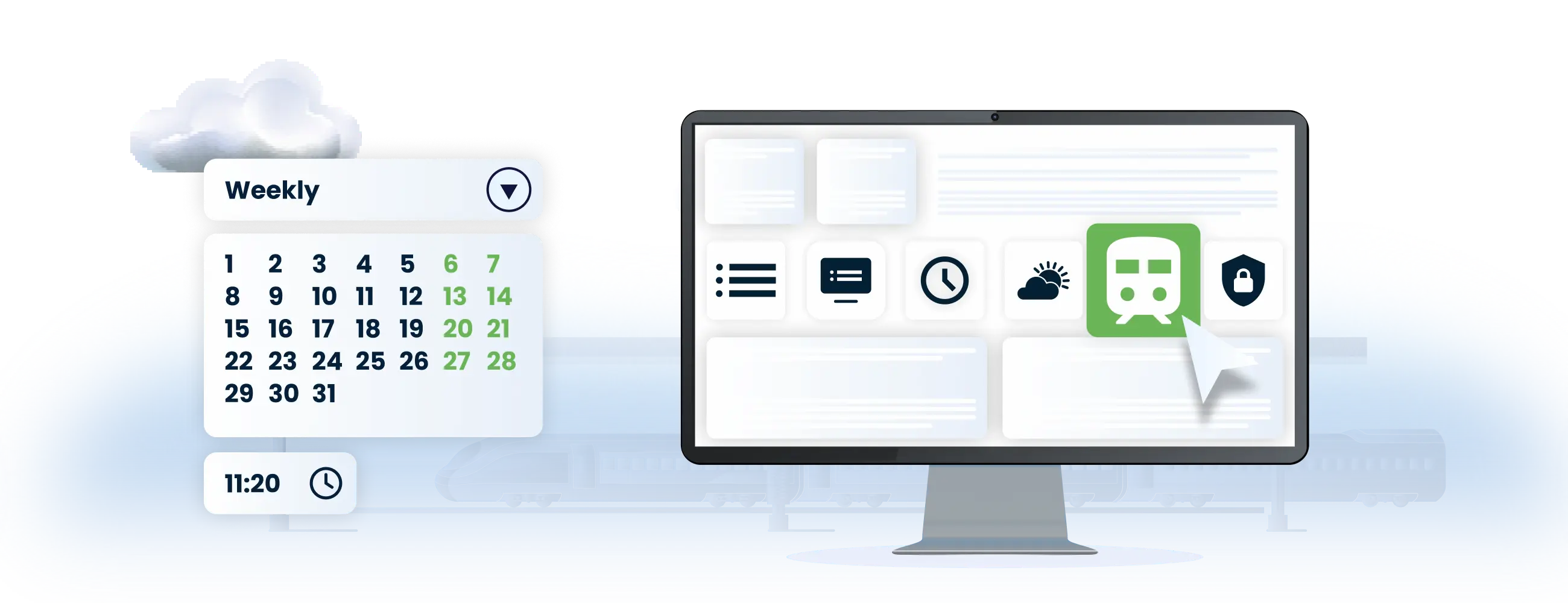
Smarter Content Management
Intelligent content automation works around the clock:
Additionally, Transit CX CMS supports:
Passenger safety videos, service updates, and live television
Multi-language and multi-alphabet support (Latin, Arabic, Cyrillic, etc.)
Accessibility features such as visual paging and sign language video
No Hardware Lock-In
Commercial Display Support
Our display controllers work with any commercial screen featuring HDMI input—Samsung, LG, NEC, Sony, and more. From legacy 1080p monitors to new 4K train platform displays, if it has HDMI, it works with Transit CX.
LED Panel Integration
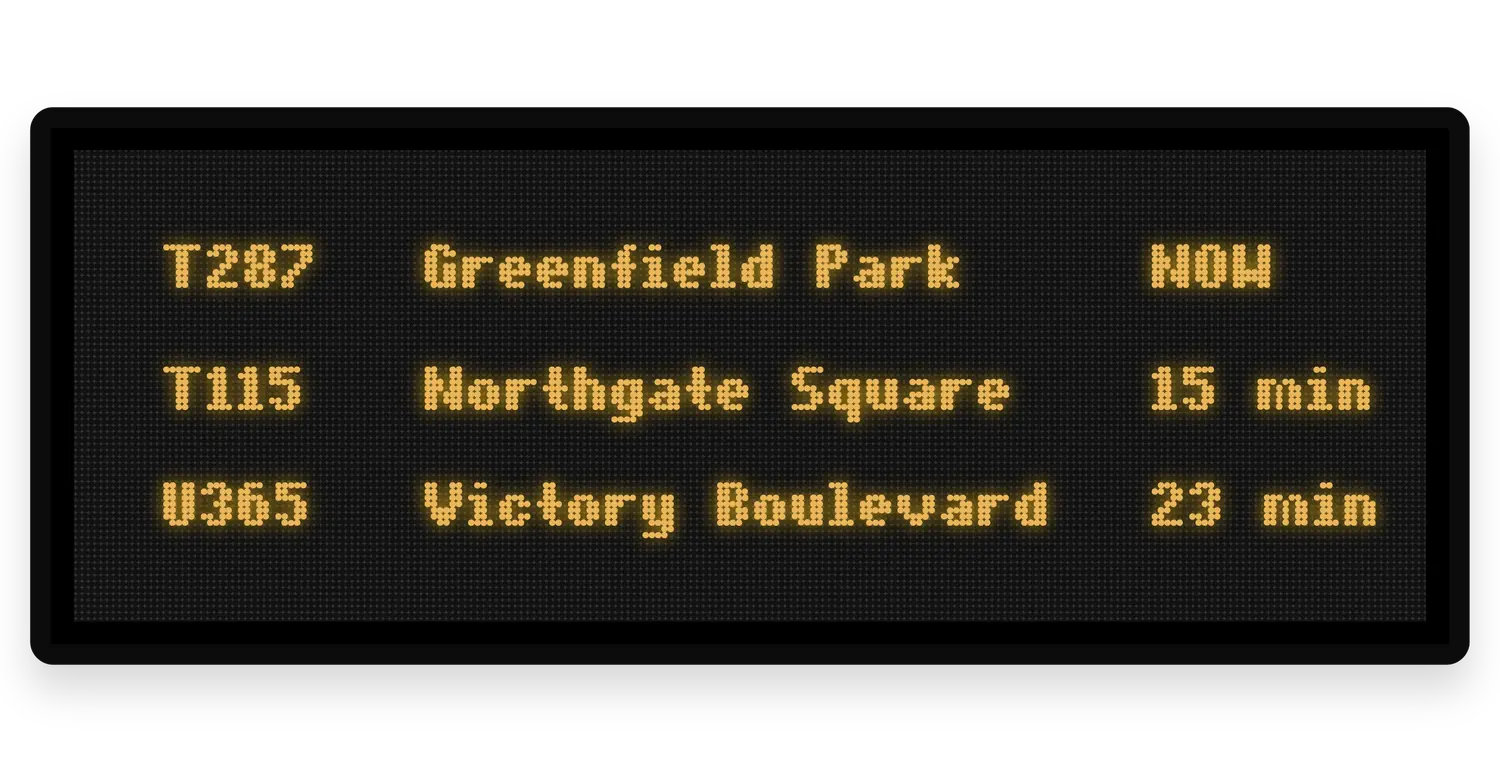
LED boards from Absen, Daktronics, or Watchfire connect through API—no proprietary hardware required. Full support for:
Zone-based content targeting
Emergency scenario activation
Condensed text versions for smaller displays
Optimize Energy Use with Smart Display Power Scheduling
Extend display lifespan and reduce energy costs with automated power control. Schedule on/off times for individual screens or entire station groups. When the last train departs at midnight, platform displays power down automatically—supporting your sustainability goals while cutting operational costs.

Why Transit Operators Choose Transit CX PIDS
Transit CX PIDS connects real-time vehicle data to every screen across your network, from railway platforms and metro stations to bus stops and ferry terminals.
Real-Time on Every Screen
GTFS-R data flows to bus stops, platforms and station displays. Schedule changes reflect automatically.
Accessible for Every Rider
Multilingual displays, visual paging and sign language integration deliver information to all passengers.

Revenue-Generating Displays
Integrate advertising into off-peak screen time with proof-of-play reporting and daypart scheduling.
Smart Content Management
Role-based permissions let operations, marketing and IT each manage their content without overlap.
Synchronized Audio & Visual
Ready to Improve Your PIDS?
.webp)
Frequently Asked Question
Got questions? We’ve got answers.
Yes. Transit CX integrates schedule and position data from multiple transport types into one platform. Operations staff manage bus stop screens, railway platform displays, and ferry terminal signage through a single login.
Yes. GTFS static feeds provide schedule data - routes, stops, timetables, service calendars. GTFS-Realtime overrides static schedules with live vehicle positions and delay predictions. Displays update automatically when vehicles deviate from schedule. Transit CX also accepts data from signaling systems, ATS, and GPS for networks that don't use GTFS.
Transit CX display controllers connect to any commercial screen with HDMI input - LCD or LED, from any manufacturer including Samsung, LG, NEC, and Sony. LED panels from Absen, Daktronics, or Watchfire connect through API. Currently running on both LCD and LED displays at Jakarta LRT across 3 lines, from platform screens to concourse video walls.
Both - plus we can build custom templates tailored to your operation. Use the drag-and-drop content designer to create your own layouts, start from our transit template library, or have our team design templates for your specific use case. Your transit authority branding applies consistently across all stations, and role-based permissions keep operations, marketing, and IT working without conflicts.
Yes. Turn off-peak display time into advertising revenue using built-in ad management tools. Ads never interrupt critical PIDS information. Features include proof-of-play reporting for advertiser accountability, daypart scheduling matched to commuter demographics, and revenue tracking by station, route, or display group.
Pre-configured emergency scenarios override all scheduled display content with one activation. Screens show evacuation routes, service disruption maps, or safety instructions while audio plays matching announcements simultaneously. Priority systems ensure safety messages take precedence across every display in the affected zone or network-wide.